
Practise Koi-Koi against the computer
Last updated
You can practise Koi-Koi against the computer without an account: on the home page, press Practise against the computer. Your opponent, Hokusai, plays by the same rules as online matches. The game runs on your own device, is neither saved nor ranked, and once the home page has been opened on a device it works offline too.
Start a practice game
There are three ways in, and none of them needs a sign-in.
| Where | What to press |
|---|---|
| Home page | Practise against the computer (“No account needed”) |
| Lobby (signed in) | Under Create a room, choose the rounds and the Game settings, then press Practise against the computer |
| Installed app | The Practice shortcut on the app’s icon |
The home page button and the app shortcut start a 6-round match with your last practice settings on this device (both on until you change them); in the lobby, practice plays 6 or 12 rounds, as chosen for a room. Signed out, your seat at the table is simply called “You”; signed in, it shows your profile name. App shortcuts appear where the system offers them, for example when you touch and hold the icon on Android; see installing the app.
The same rules as online
Practice runs on the same rules engine as online matches, so what you learn here holds in a room with a friend. Each player starts with 25 points, and the loser of a round pays the winner, at most what they have left. After 6 or 12 rounds, or as soon as one player runs out of points, the player with more points wins. Before the first round each of you draws a card, and the earlier month deals; from then on the winner of a round deals the next. The rules, the yaku and scoring pages go through all of it.
Practice settings
Practice has the same two settings as a room (see room settings). You choose them in the lobby, which needs a sign-in: under Game settings in the Create a room panel, before you press Practise against the computer. That press also keeps them on this device as your practice settings, and the home page button and the app shortcut use them too; until then, both are on.
- Double at 8+ points
- On (the default): a round of 8 points or more is doubled, and koi-koi calls multiply it as well. Switch it off to practise with the koi-koi multiplier alone.
- Assisted highlighting
- On (the default): hand cards that can capture shine, a picked card lights up its matches, and a bar over your captures shows what each way of playing it would do. Off: nothing shows which cards match. A table card of another month, or placing a card that could capture, is refused with a short word in the status line, and the card stays picked. The 5-second ring on a drawn card stays either way: it is a clock, not a hint.
How the computer plays
The computer player is called Hokusai (北斎). There is one, with no difficulty levels, and it plays by a few fixed habits, read here from the game’s code. It knows what a player at a real table would know: its own hand, the table and the cards both of you have captured. It never looks at your hand or at the order of the draw pile. Each of its steps waits a moment, a second or less for a card and about two for a yaku decision, so you can follow it.
What it takes first
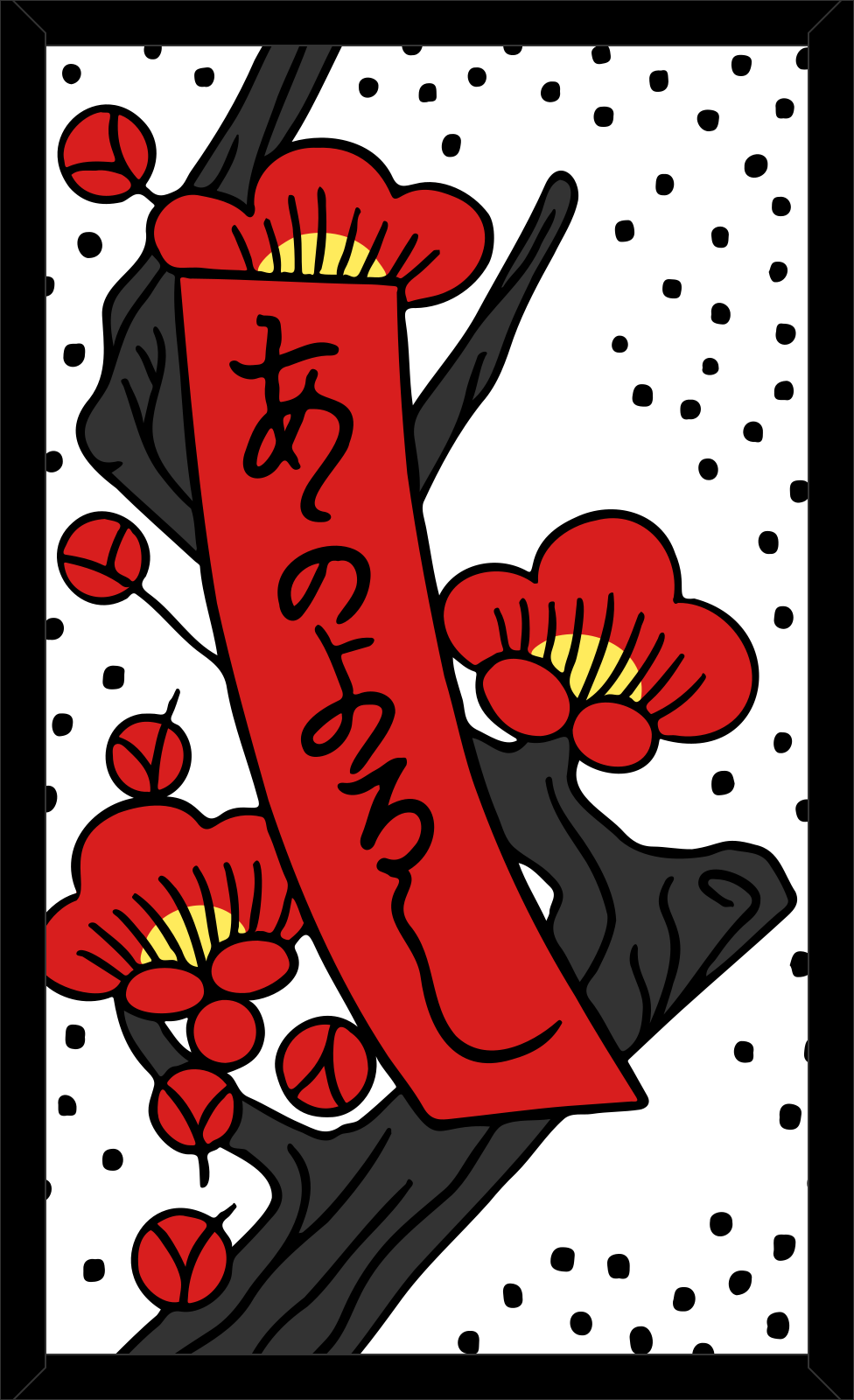
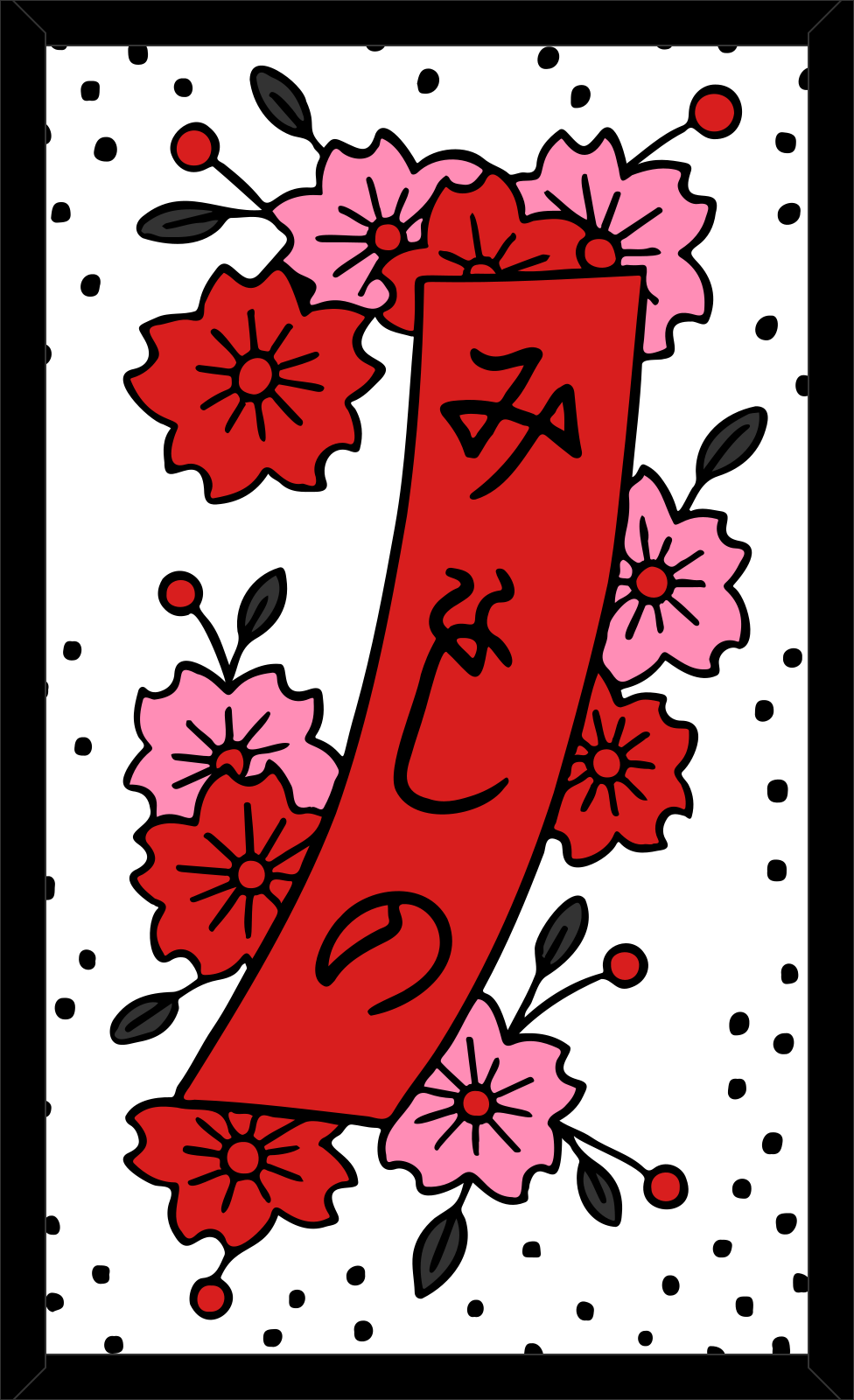
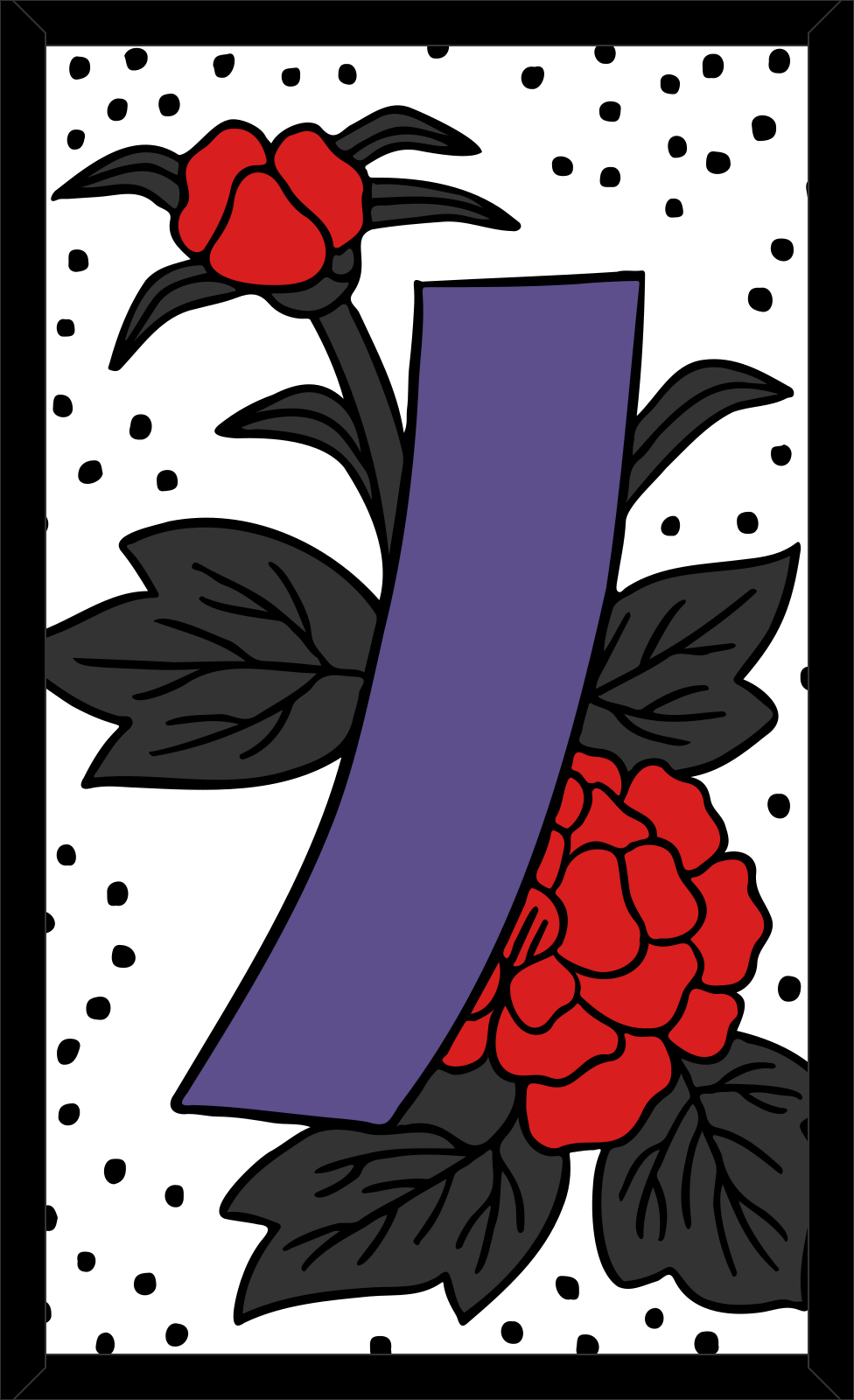
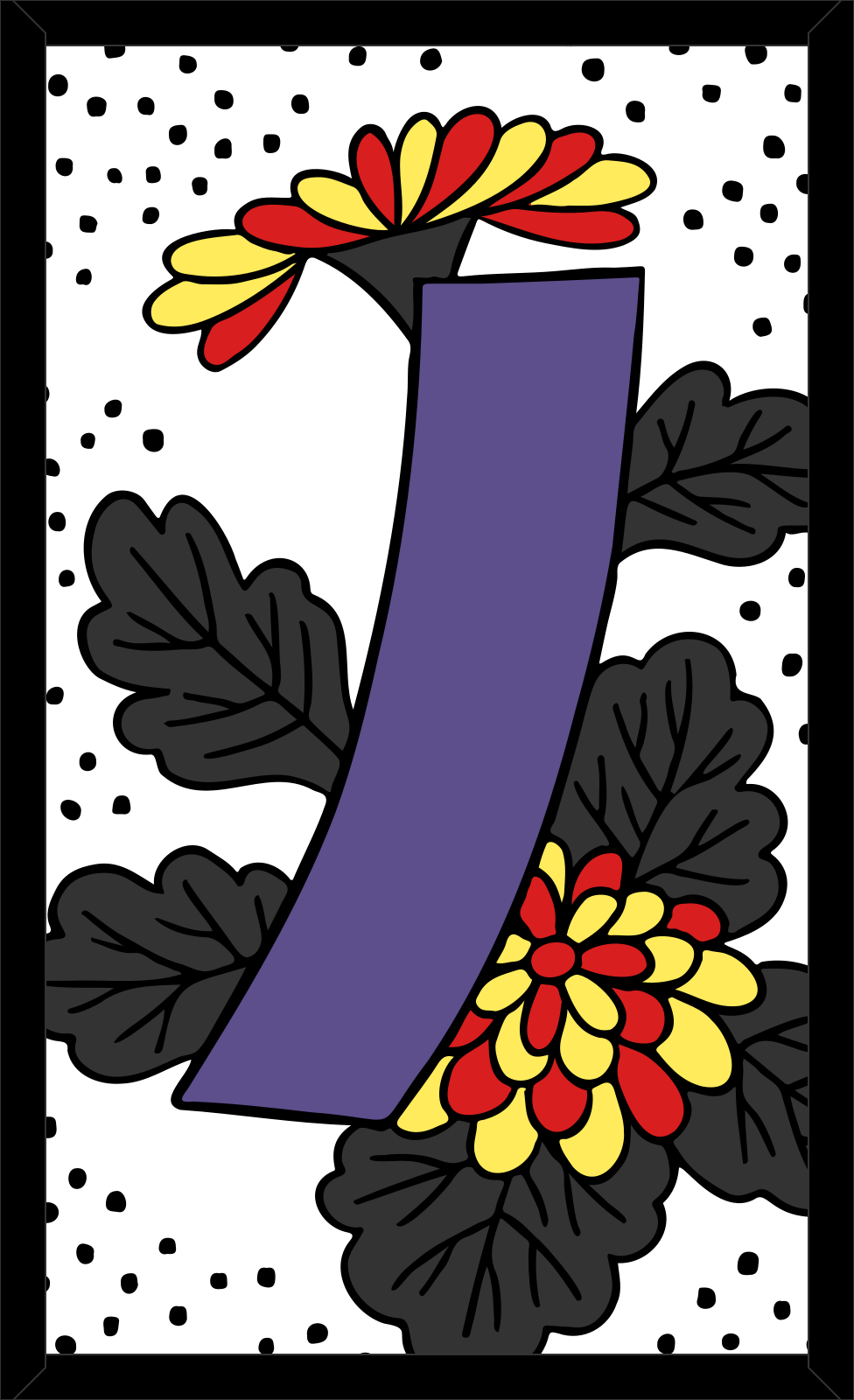
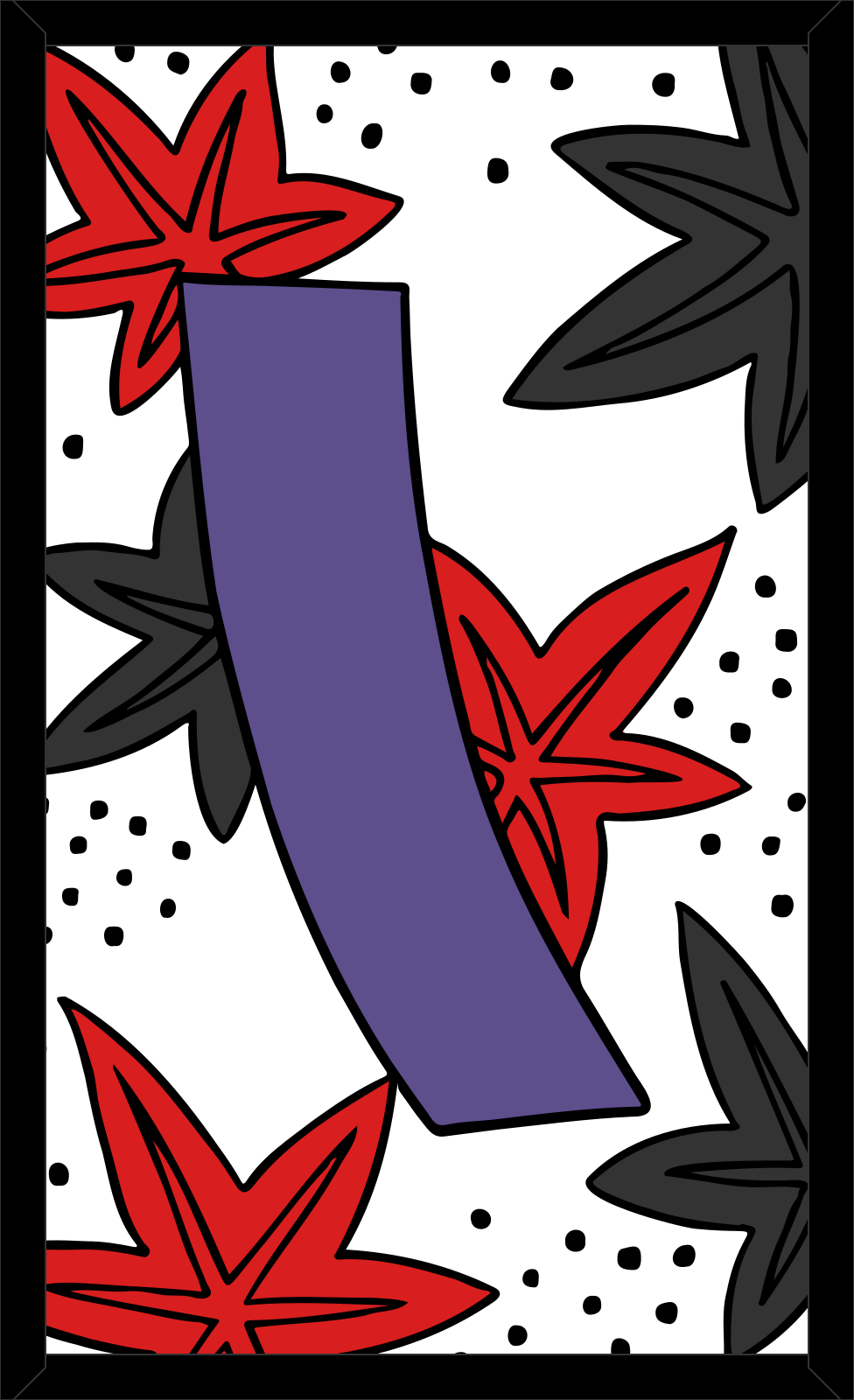
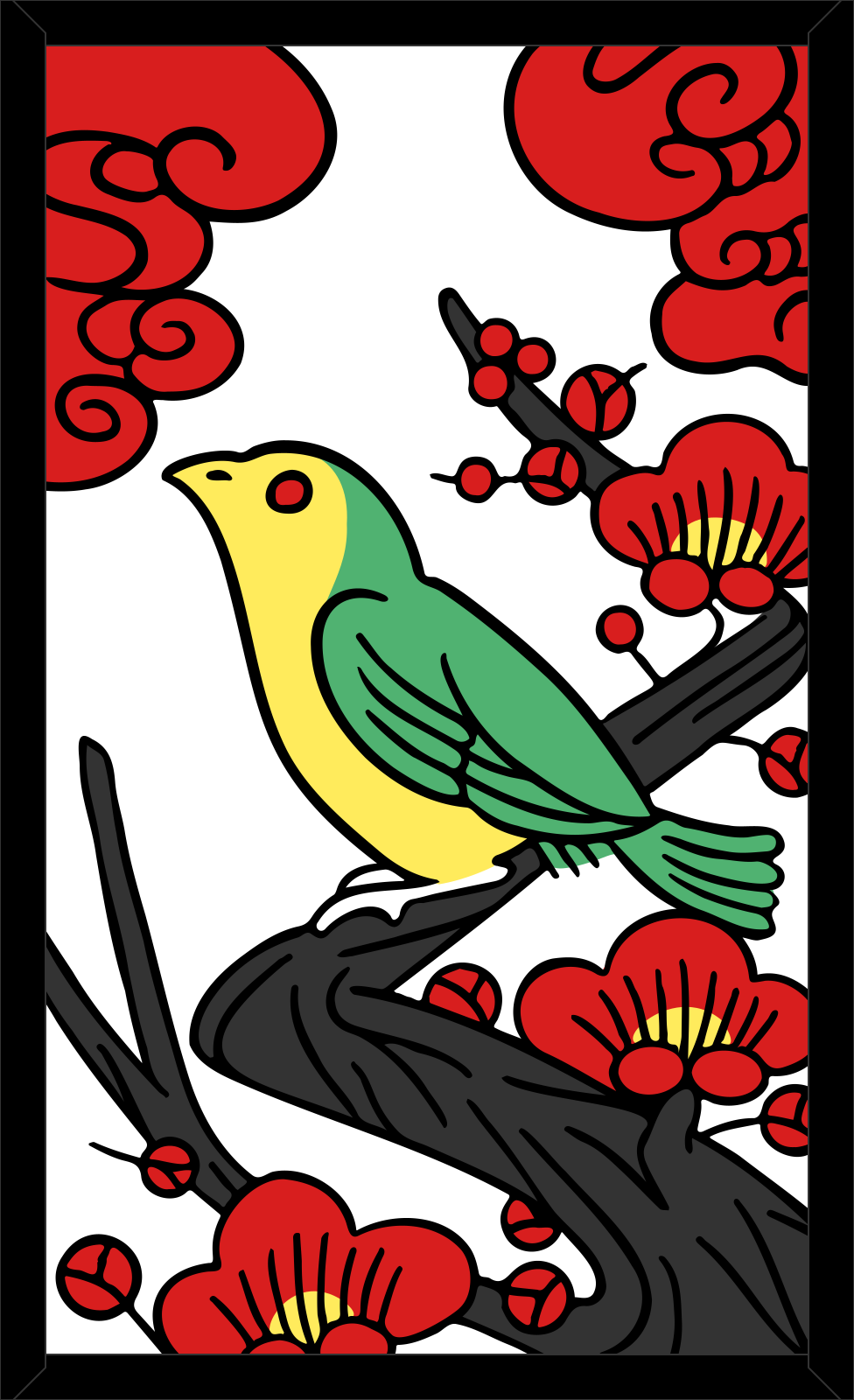
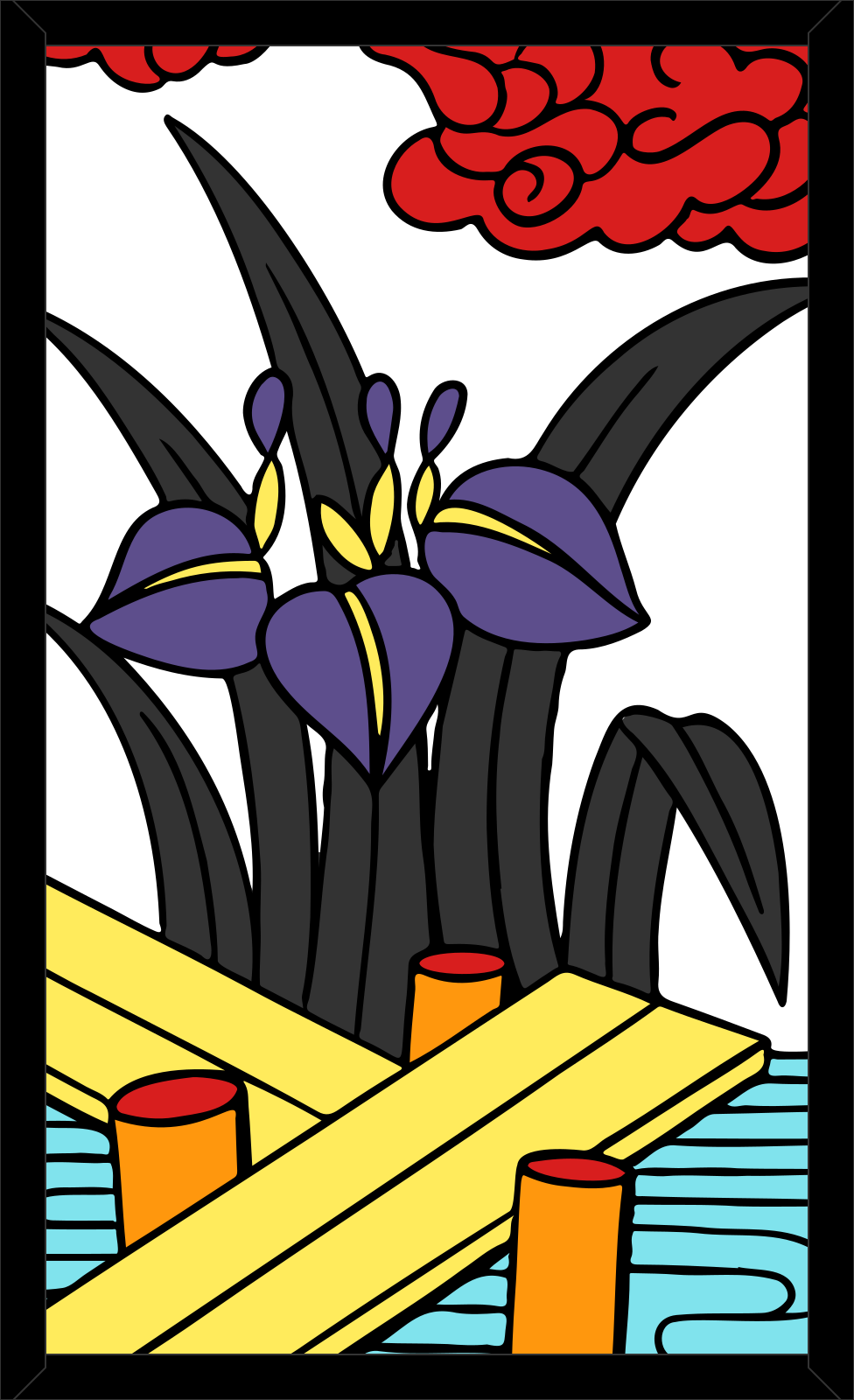
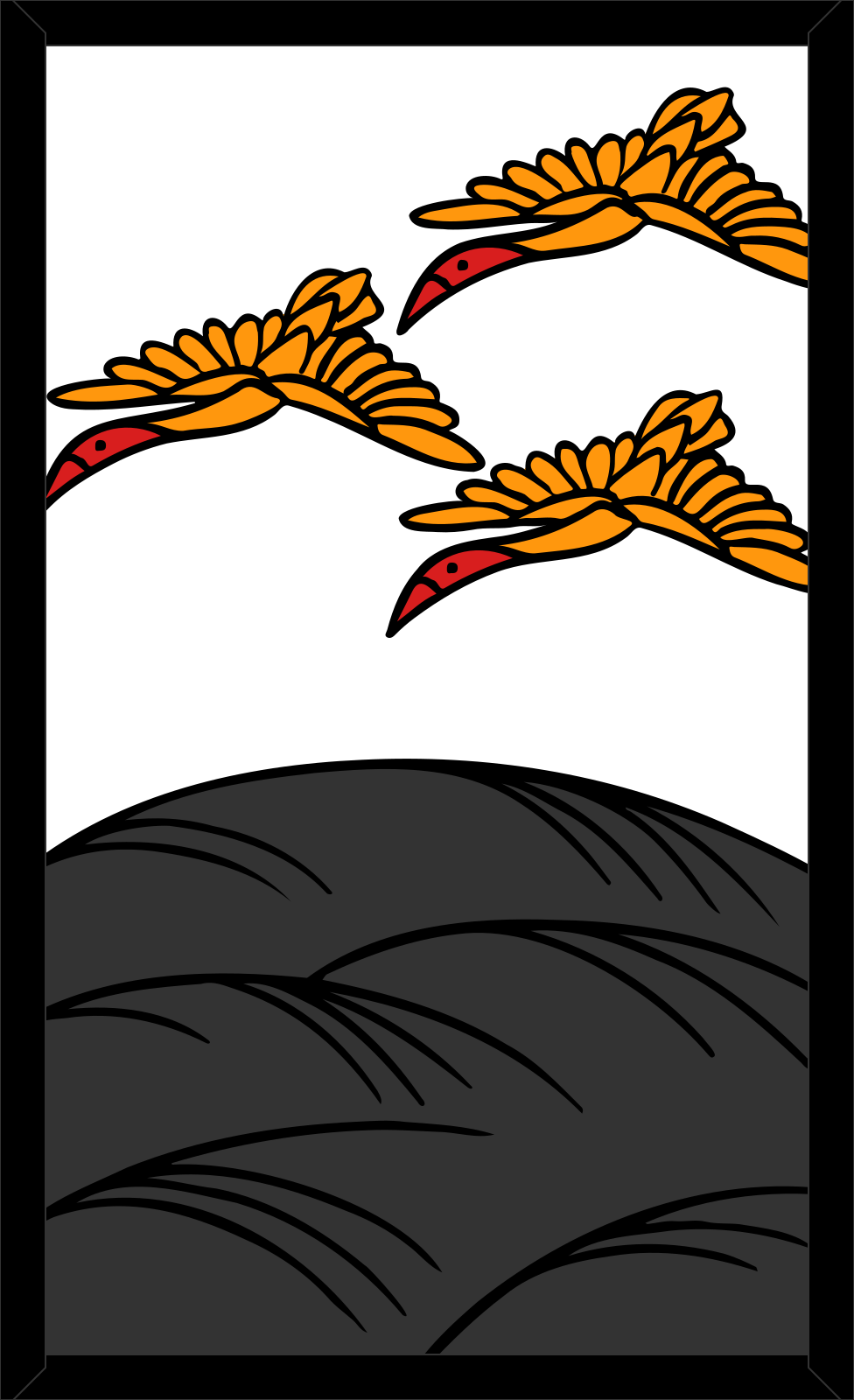
Hokusai gives every card a rating: its printed value (20, 10, 5 or 1) plus a bonus for the cards of the best-known yaku. It plays the hand card whose capture adds up to the highest rating, counting both the card it plays and the cards it would take, and it always captures when it can. When nothing matches, it gives up the card it rates lowest. When two table cards match, it takes the one it rates higher.
- 38The Curtain and the Moon
- 35The Sake cup
- 25The Boar, the Deer and the Butterflies
- 20The other lights
- 17The poem and blue tanzaku
- 10The other animals
- 5The other tanzaku
- 1Every plain24 cards



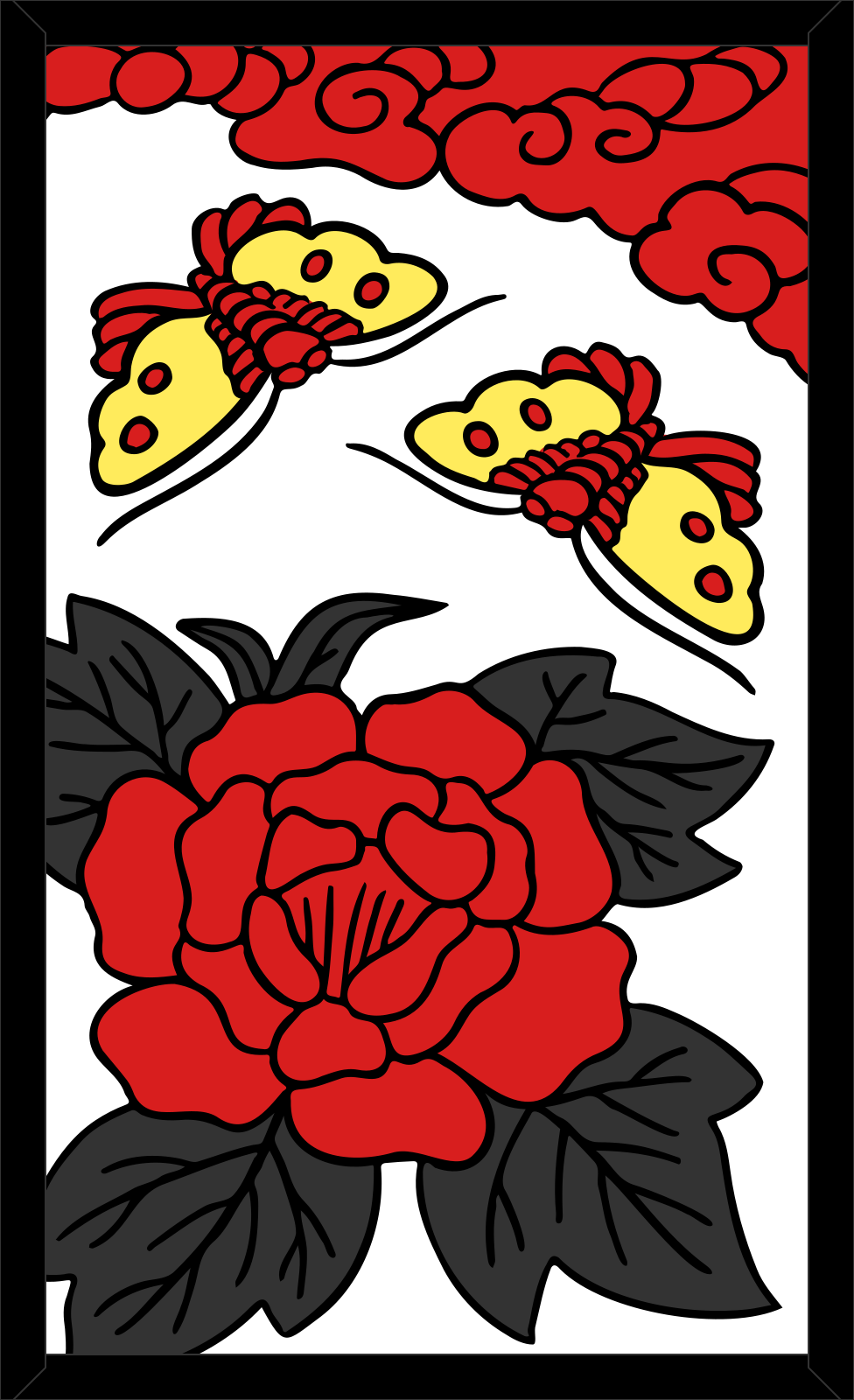

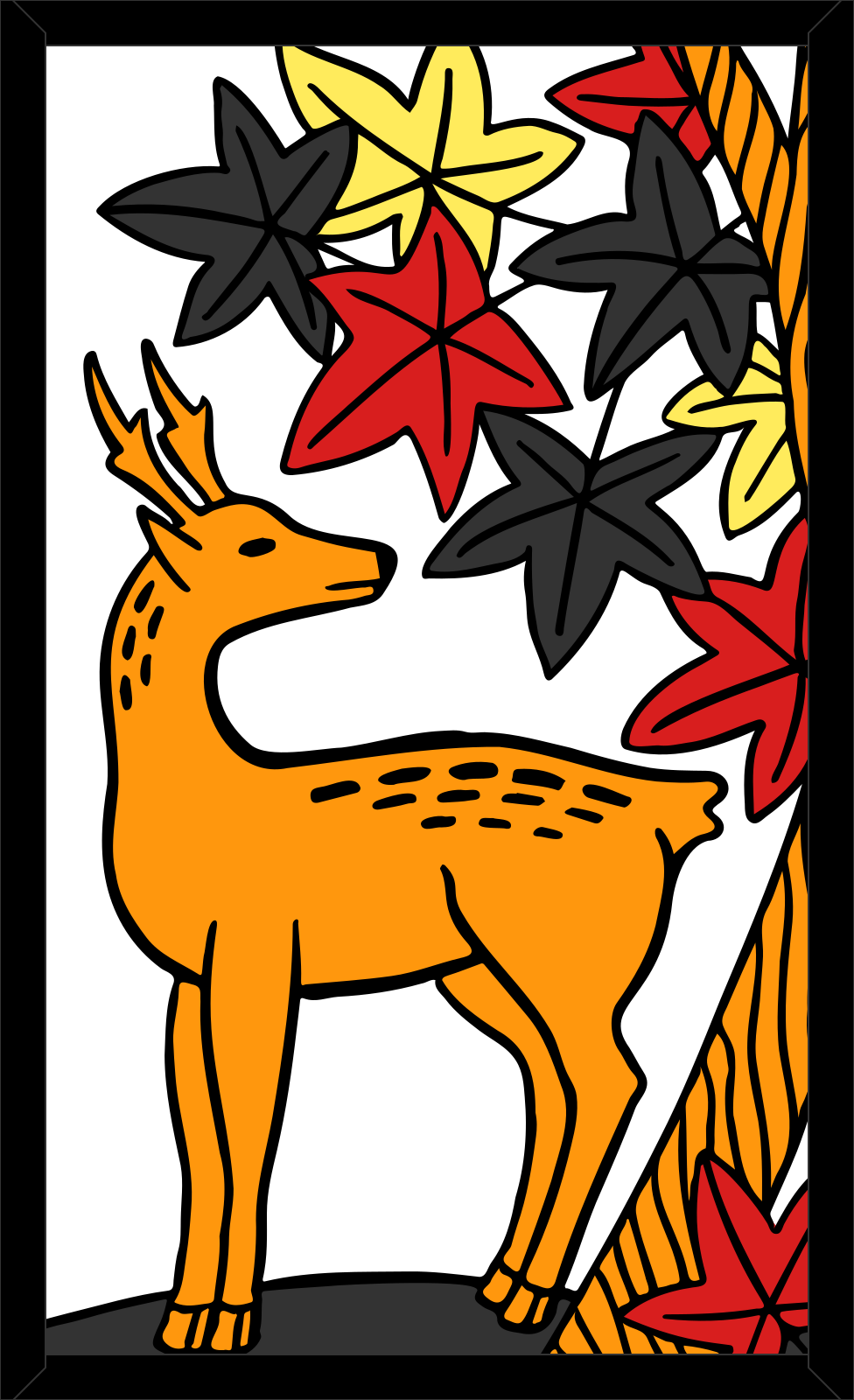

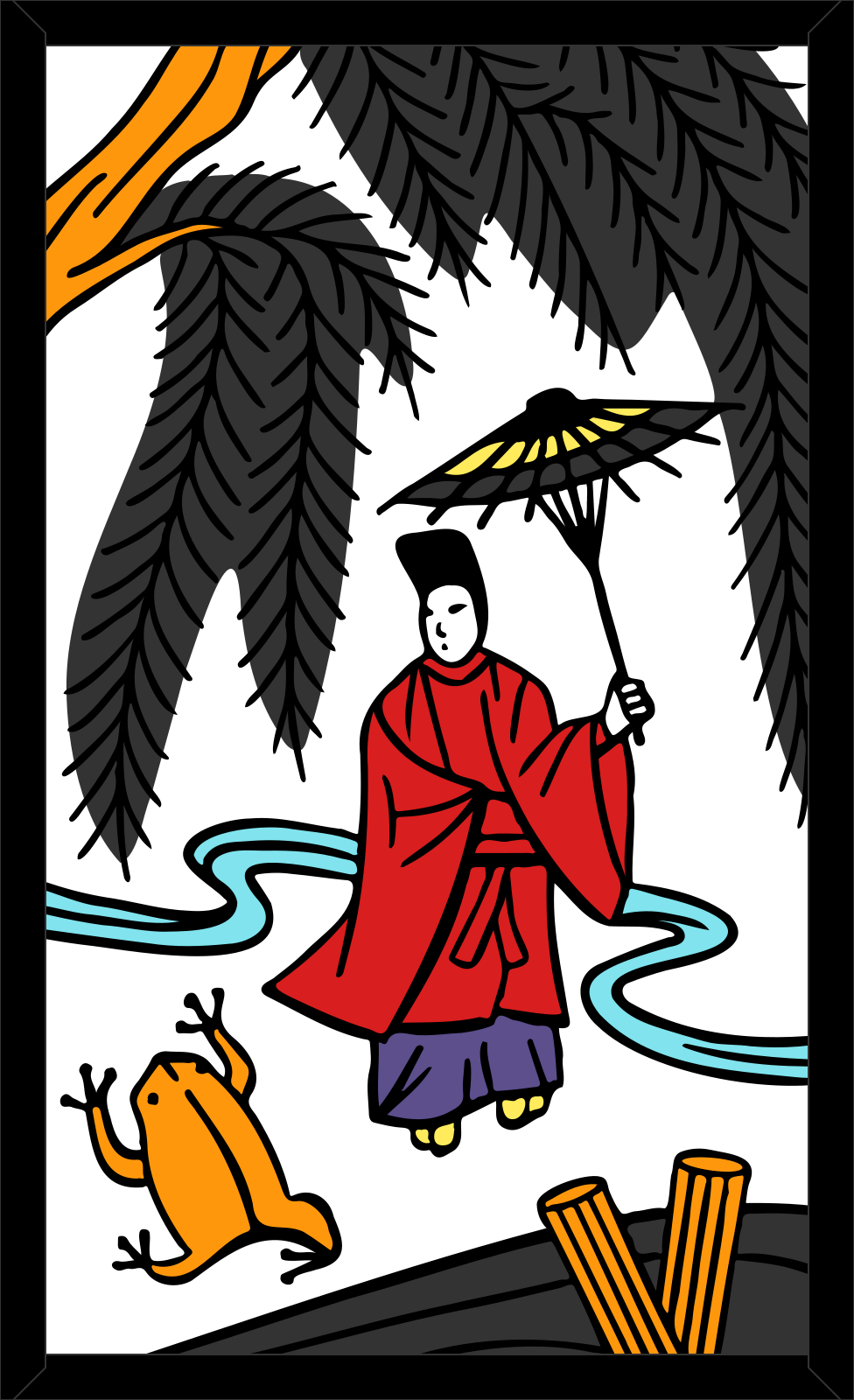
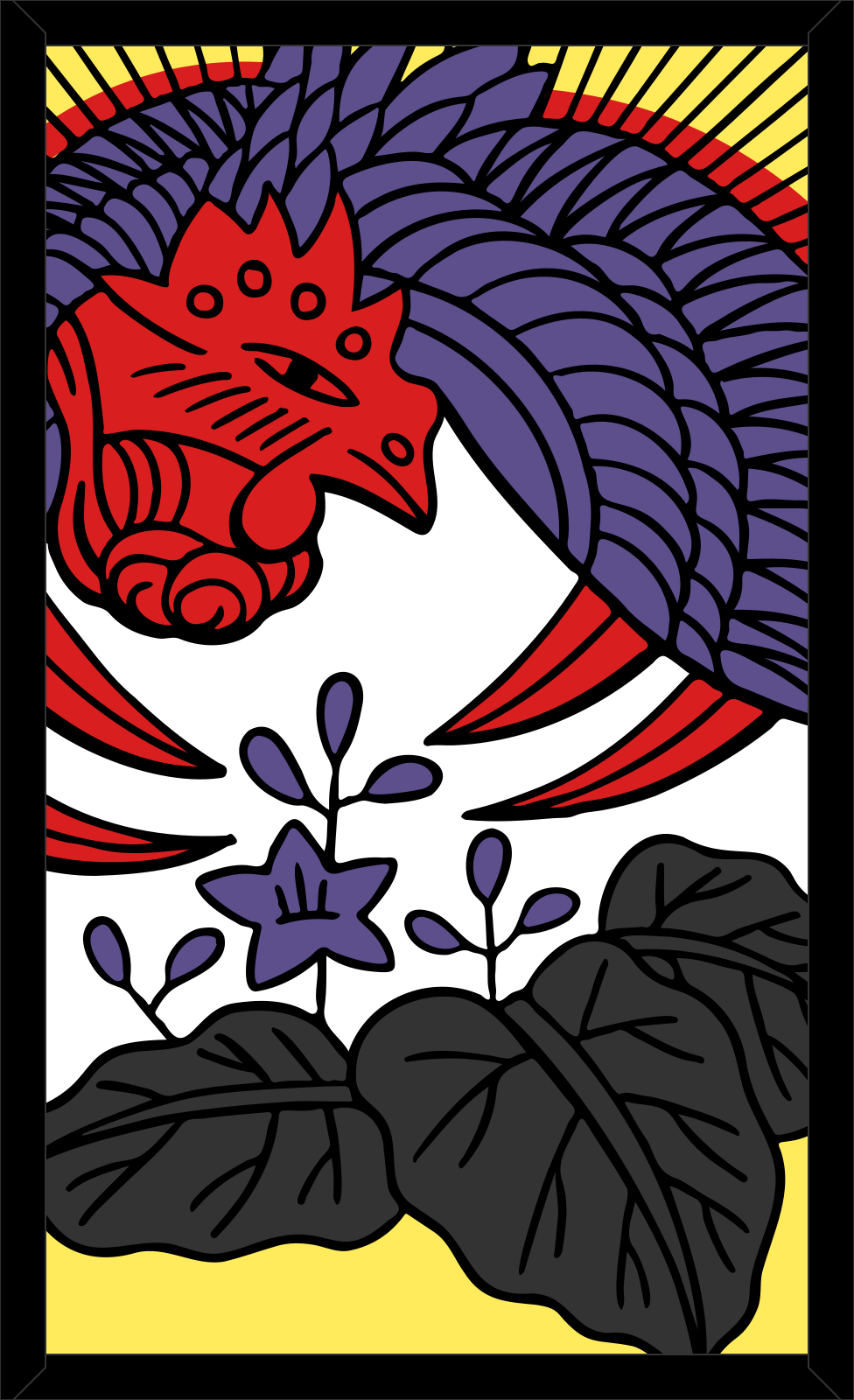




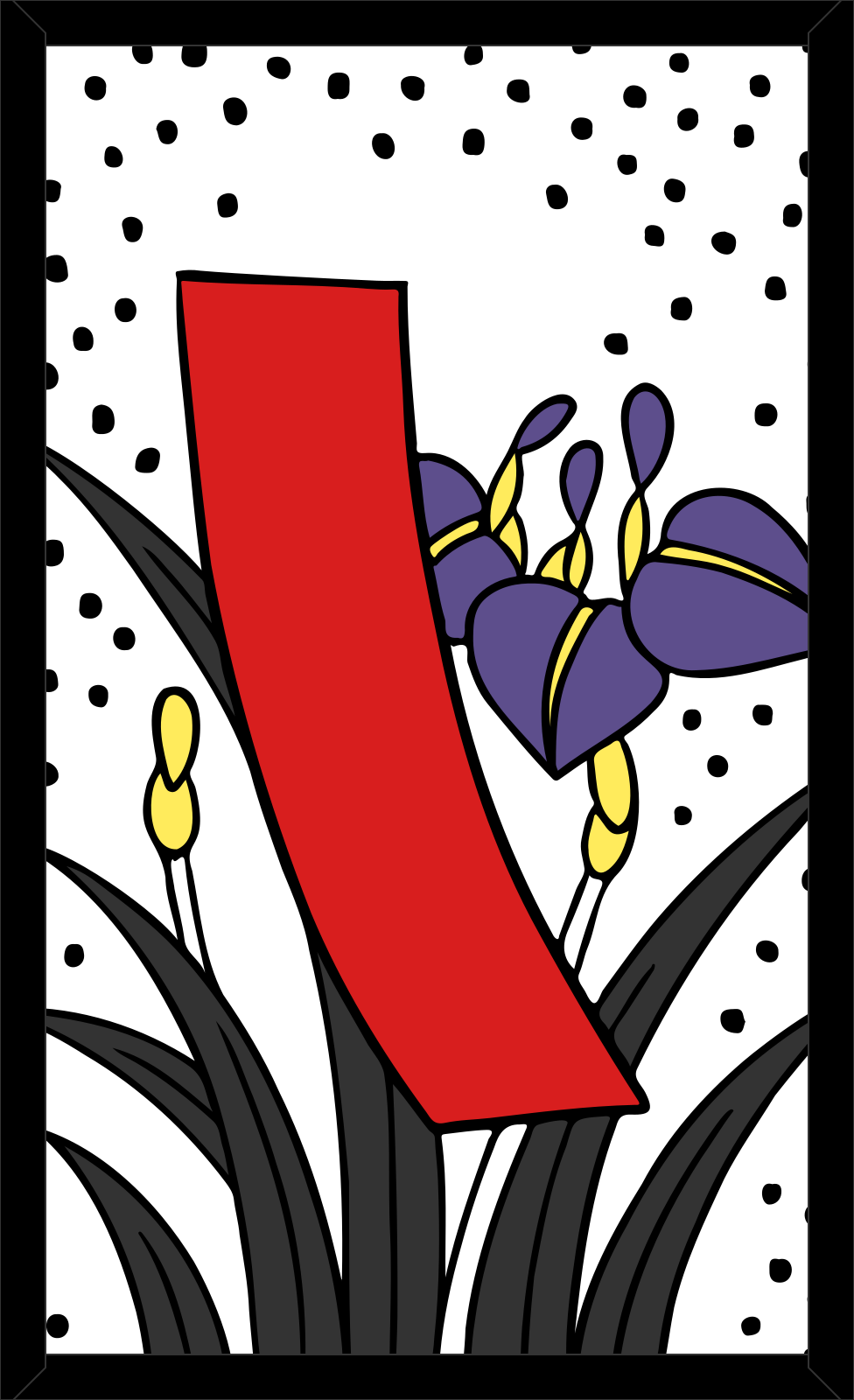


When it calls koi-koi
When its turn ends with a new yaku, Hokusai calls Shōbu (Shobu: it stops and scores) if any of these is true, and koi-koi otherwise:
- its yaku are worth 7 points or more;
- either of you has already called koi-koi this round;
- it has two cards or fewer left in its hand;
- you have captured two lights or more.
So it calls koi-koi at most once a round, only on a score under 7 with three or more cards still in its hand, and never after either of you has called. When it does, the round is worth at least ×2 to whoever scores next, and its next yaku ends the round: go for the cards it needs, or for a quick yaku of your own. Apart from counting your lights, it does not follow your yaku, so it never blocks you on purpose. The strategy guide has more on playing it.
At the table
Practice uses the same table as online play. Pick a hand card, then the table card it takes, or Place here when nothing matches; the top card of the draw pile then turns over by itself. A drawn card that matches nothing goes to the table, one with a single possible capture is taken for you after 5 seconds, and with two matches you choose. When your turn ends with a yaku, the Koi-Koi dialog lists your yaku and shows what Shōbu would take now and what koi-koi would do to the multiplier.
Rules in the header opens the guide, with How to play, Yaku and The 48 cards; on screens 1,408 pixels wide or more it stays open beside the table. Quit asks first, because the match then ends for good. When the match is over, Play again deals a new one.
Keyboard and screen readers
The whole game can be played from the keyboard.
| Key | What it does |
|---|---|
| ← → ↑ ↓ | Move between the cards of your hand, or between the table cards you can pick |
| Enter or Space | Pick the card; on a table card, capture it |
| 1 to 8 | Pick a hand card directly |
| Esc | Cancel the pick (a first Esc closes an open card popover) |
| S / K | Answer the Koi-Koi dialog: Shōbu or koi-koi |
Each captures row is a single Tab stop, and the arrow keys, Home and End move within it. Cards are labelled with their name, month and kind, your moves and Hokusai’s are announced to screen readers, and once a card is picked the focus moves to the table cards it can take.
Tips for practice
- Learn the yaku with assisted highlighting on, then switch it off and see whether you spot the matches yourself, as at a real table.
- Watch the draw pile: after a koi-koi call it shows the round’s multiplier (“Koi-Koi ×2”), so you know what the round is worth before you decide again.
- Hover over or tap a captured card, yours or Hokusai’s, to see which yaku it counts towards and how close it is.
- Try a koi-koi on a small yaku early in a round, then try stopping at once in the same spot: practice is the place to learn when it pays.
- Take the Curtain, the Moon and the Sake cup when you can: Hokusai rates them highest and takes them itself.
- Play a 12-round match to feel the 25-point pool: when a Shōbu would take every point Hokusai has left, stop.
Offline, saving and privacy
A practice game runs entirely on your device: none of it is sent to a server, and it needs no account. It is not saved, so quitting, reloading or closing the page ends it, and it never counts in the rankings. Once the home page, where the game runs, has been opened on a device, in the browser or as an installed app, practice also works without an internet connection: the game and the card pictures are then kept on the device. To play a person instead, see playing a friend online.
Sources
- こいこい|花札の歴史・遊びかた. Nintendo: Nintendo’s Koi-Koi rules, which the differences on this page refer to
- こいこい. Wikipedia (Japanese): How the first dealer is drawn